
Runway ML Review 2026: Is It Still the Best AI Video Generator?
Runway ML remains one of the most powerful AI video generators available in 2026, offering professional-grade tools for creators, marketers, and filmmakers. That said, increased competition from Sora, Kling, and Pika means it's no longer the only game in town — and whether it's the best choice depends heavily on your workflow and budget.
We've spent weeks testing Runway ML's latest features, stress-testing its Gen-3 Alpha Turbo model, and comparing outputs side by side with rival tools. Here's everything you need to know before committing to a plan.
What Is Runway ML?
Runway ML is a New York-based AI research company and creative platform that pioneered text-to-video and image-to-video generation for mainstream users. Originally launched as a suite of machine learning tools for artists, it has evolved into a full end-to-end video production platform used by indie filmmakers, social media teams, advertising agencies, and Hollywood studios alike.
Its flagship product — the Gen-3 Alpha model — generates high-fidelity video clips from text prompts or reference images, with impressive motion coherence and cinematic quality. Runway also bundles a robust browser-based video editor, background removal, motion tracking, and more.
Key Features of Runway ML in 2026
Gen-3 Alpha & Turbo Video Generation
The Gen-3 Alpha model is Runway's most capable text-to-video engine to date. It produces 5–10 second clips at up to 4K resolution with notably smoother motion than earlier generations. The Turbo variant prioritizes speed over absolute fidelity — great for rapid ideation and storyboarding when you need results in seconds rather than minutes.
Image-to-Video & Video-to-Video
One of Runway's genuine strengths is its image-to-video pipeline. Upload a still image, describe how you want it to move, and the model animates it with surprising realism. The video-to-video feature lets you apply visual styles or transformations to existing footage — a genuinely useful tool for brand consistency across campaigns.
Advanced Camera Controls
A standout update in 2025–2026 is the introduction of fine-grained camera motion controls. You can now specify dolly-ins, pans, tilts, and orbital movements through simple sliders or natural language descriptions. This alone sets Runway apart from many competitors who still leave camera behavior largely to chance.
Act One: Character Performance
Act One is Runway's motion-capture-lite feature that transfers facial expressions and body movements from a reference video onto a generated character. It's not perfect, but for small studios without access to traditional motion capture, it's a remarkable capability at this price point.
Built-in Video Editor
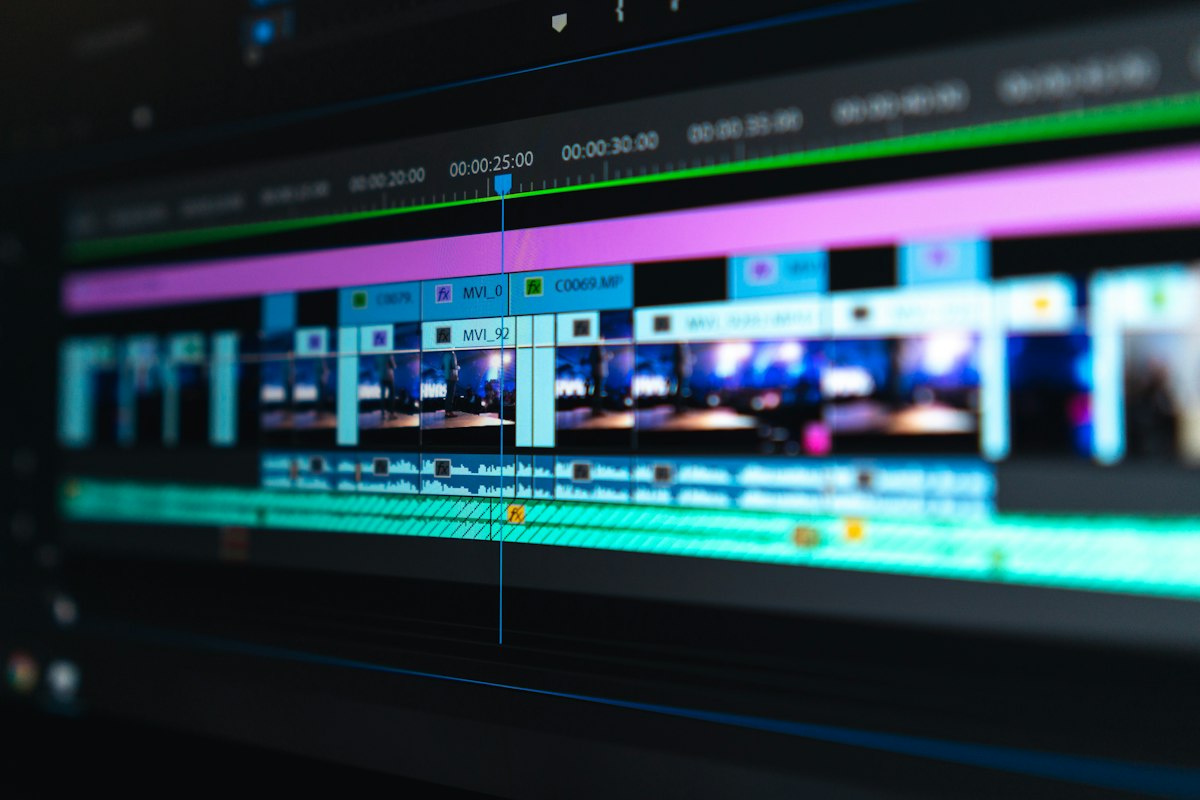
Unlike some AI video tools that are generation-only, Runway includes a proper browser-based timeline editor. You can trim, splice, add transitions, apply color grades, use inpainting to fix imperfections, and export directly — all without leaving the platform. It's not a replacement for DaVinci Resolve or Premiere Pro, but for AI-assisted workflows it's genuinely convenient.
Runway ML Pricing (2026)
Runway operates on a credit-based subscription model. Here's how the tiers break down:
- Free Plan: 125 one-time credits — good for testing, not for regular use
- Standard ($15/month): 625 credits/month, access to Gen-3 Alpha Turbo, watermarked exports
- Pro ($35/month): 2,250 credits/month, watermark-free exports, higher resolution, upscaling
- Unlimited ($95/month): Relaxed generation limits, priority processing, full feature access
- Enterprise (custom pricing): API access, SSO, custom model fine-tuning, dedicated support
Credits are consumed per second of generated video, and costs add up faster than you'd expect at higher resolutions. For serious production use, the Pro or Unlimited plan is essentially required.
Real-World Use Cases
Marketing & Advertising
Social media teams are using Runway to rapidly prototype video ads, product animations, and branded content without hiring full video production crews. The image-to-video feature is especially popular for e-commerce brands looking to animate product photography.
Filmmaking & Pre-Production
Independent filmmakers use Runway for animatics and pre-visualization — generating rough visual representations of scenes before committing budget to actual shooting. Several indie shorts have used Runway-generated footage alongside real footage, with professional results.
Content Creation & YouTube
YouTubers and newsletter creators use Runway to produce B-roll, intros, and cinematic cutaways that would otherwise require stock footage licenses or expensive shoots.
Education & Explainer Videos
Educators are generating animated explainer sequences to illustrate abstract concepts — from historical events to scientific processes — with a visual quality that was previously out of reach for solo creators.
Pros and Cons of Runway ML
✅ What Runway Does Well
- Best-in-class motion coherence — characters and objects move with fewer artifacts than most competitors
- Camera controls are more precise and accessible than rival tools Comprehensive platform — generation, editing, and export all in one place
- Consistent updates — the team ships meaningful improvements regularly
- Strong API for developers and enterprise teams building custom pipelines
- Act One brings affordable performance capture to small studios
❌ Where Runway Falls Short
- Credit costs are high — heavy users will find the Unlimited plan necessary and expensive
- 10-second clip limit on most plans; longer narrative sequences require stitching
- Prompt adherence can be inconsistent — complex scenes sometimes miss key details
- Faces and hands still struggle at times, especially in motion
- No offline/desktop app — browser-only limits use in low-connectivity environments
- Sora and Kling are closing the quality gap fast, often at lower cost
How Does Runway ML Compare to Competitors?
The AI video space has exploded. Here's a quick honest comparison:
- Runway vs. OpenAI Sora: Sora produces longer, more coherent clips but is less accessible and offers fewer editing tools. Runway wins on usability and workflow integration.
- Runway vs. Kling AI: Kling offers competitive quality at a lower price point and excels at realistic human motion. For budget-conscious creators, Kling is a genuine alternative.
- Runway vs. Pika 2.0: Pika is faster and cheaper for short social clips; Runway edges ahead on cinematic quality and feature depth.
- Runway vs. Luma Dream Machine: Luma generates impressive free clips but lacks Runway's editing ecosystem and camera control precision.
Bottom line on competition: Runway is still among the top two or three AI video generators in 2026, but it's no longer the undisputed leader it was in 2023. Your specific needs should drive the choice.
Who Should Use Runway ML?
Runway ML is best suited for:
- Professional creatives who need reliable quality and a full editing workflow
- Marketing teams generating high volumes of branded video content
- Filmmakers and directors using AI for pre-visualization or stylized sequences
- Developers building AI video features into their own products via the API
It's probably not the best fit for casual users who just need a few clips per month — the free tier is too limited, and the entry-level paid plan offers modest value compared to cheaper alternatives.
Verdict: Is Runway ML Worth It in 2026?
Yes — for the right user. Runway ML remains a top-tier AI video generator in 2026, particularly for professionals who value output quality, camera control, and an integrated editing workflow. The Gen-3 Alpha model is genuinely impressive, the platform keeps improving, and the feature set is unmatched for end-to-end video production in a browser.
However, if you're on a tight budget or only need occasional video clips, tools like Kling AI or Pika may offer better value. And if maximum clip length and narrative coherence are your priorities, keep an eye on Sora's continued rollout.
Our Rating: 4.3 / 5 — Excellent for professionals, moderate value for casual creators.
Frequently Asked Questions
Is Runway ML free to use?
Runway ML offers a free tier with 125 one-time credits, which is enough to explore the platform but not sufficient for regular production use. Paid plans start at $15/month for meaningful ongoing access.
What is the maximum video length Runway ML can generate?
Most Runway ML plans support generating clips of up to 10 seconds at a time. Longer videos can be created by generating and stitching multiple clips using the built-in timeline editor.
How does Runway ML compare to Sora in 2026?
OpenAI's Sora produces longer and often more physically coherent video clips, but Runway ML offers a more complete production workflow, better camera controls, and broader accessibility. Both are among the best AI video generators available, but serve slightly different use cases.
Can Runway ML generate videos from images?
Yes. Runway ML's image-to-video feature is one of its strongest capabilities, allowing users to upload a still image and animate it using text prompts or motion presets with impressive results.
Is Runway ML suitable for commercial use?
Yes, paid plan subscribers can use Runway ML outputs for commercial purposes. Enterprise customers get additional licensing clarity and custom terms. Always review the current terms of service for your specific plan before commercial deployment.
What happened to Runway ML's older Gen-1 and Gen-2 models?
Gen-1 and Gen-2 are still accessible on some plans but have been largely superseded by Gen-3 Alpha and the Turbo variant. For new projects, Gen-3 Alpha is the recommended model due to its significantly improved quality and motion coherence.